
Third Row Swivel Screen (If Equipped)
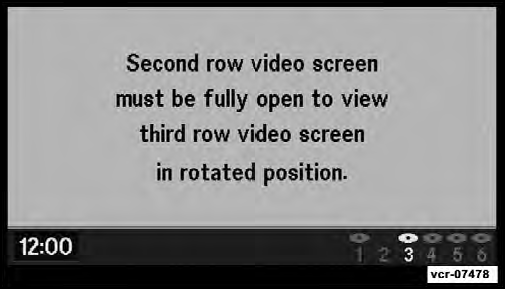
• The third row screen or Screen 2 has the ability to lower and swivel to face forward.
• While the swivel screen is facing forward, the second row screen or Screen 1 must be fully open in order for the swivel screen (Screen 2) to work.
See also:
Frontal Area
The frontal area is the maximum height multiplied by the
maximum width of the front of a trailer. ...
Changing FCW Status
The FCW feature can be set to far, set to near or turned off
using the Uconnect Touch™ System, refer to “Uconnect
Touch™ Settings” in “Understanding Your Instrument
Panel” for furthe ...
Ignition Key Removal
Vehicle Key
Automatic Transaxle
Place the shift lever in PARK. Turn the ignition switch to
the ACC position, push the key and cylinder inward,
rotate the key to the LOCK position, and remove t ...