
To Activate
Push and release the ON/OFF button. The ACC menu in the EVIC displays “Adaptive Cruise Ready.”
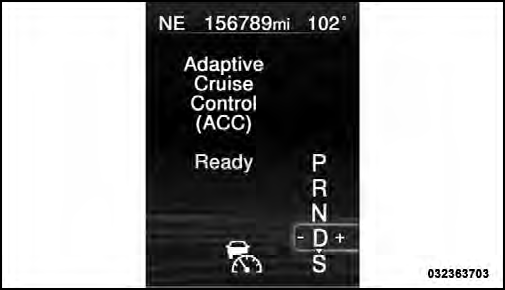
Adaptive Cruise Control (ACC) Ready
To turn the system OFF, push and release the ON/OFF button again. At this time, the system will turn off and the EVIC will display “Adaptive Cruise Control Off.”
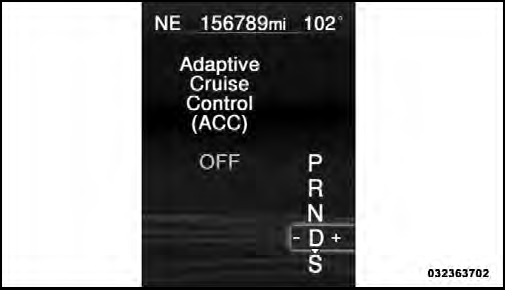
Adaptive Cruise Control (ACC) OFF
WARNING!
Leaving the Adaptive Cruise Control (ACC) system
on when not in use is dangerous. You could accidentally
set the system or cause it to go faster than you
want. You could lose control and have a collision.
Always leave the system off when you are not using
it.
See also:
Instrument Cluster — Base
Instrument Cluster — Base ...
Transmission Limp Home Mode
Transmission function is monitored electronically for
abnormal conditions. If a condition is detected that could
result in transmission damage, Transmission Limp Home
Mode is activated. In this ...
Cooling System Pressure Cap
The cap must be fully tightened to prevent loss of
coolant, and to ensure that engine coolant (antifreeze)
will return to the radiator from the coolant recovery
bottle.
The cap should be inspec ...