
Remote Control Storage
The video screen(s) come with a built in storage compartment for the remote control which is accessible when the screen is opened. To remove the remote, use your index finger to pull and rotate the remote towards you. Do not try to pull the remote straight down as it will be very difficult to remove. To return the remote back into its storage area, insert one long edge of the remote into the two retaining clips first, and then rotate the remote back up into the other two retaining clips until it snaps back into position.
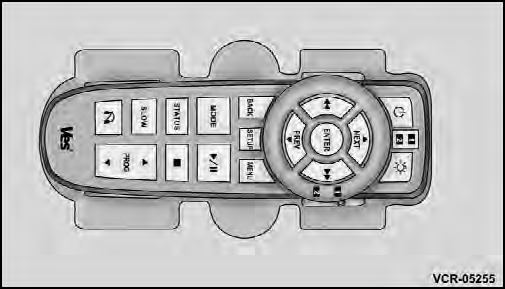
The Remote Control Storage
See also:
Key Ignition Park Interlock
This vehicle is equipped with a Key Ignition Park Interlock
which requires the shift lever to be placed in PARK
before the engine can be turned off. This helps the driver
avoid inadvertently lea ...
Radial-Ply Tires
WARNING!
Combining radial ply tires with other types of tires
on your vehicle will cause your vehicle to handle
poorly. The instability could cause a collision. Always
use radial ply tires in s ...
Bluetooth Communication Link
Mobile phones have been found to lose connection to the
Uconnect™ Phone. When this happens, the connection
can generally be reestablished by switching the phone
off/on. Your mobile phone is re ...