
To Activate
Push and release the ON/OFF button. The ACC menu in the EVIC displays “Adaptive Cruise Ready.”
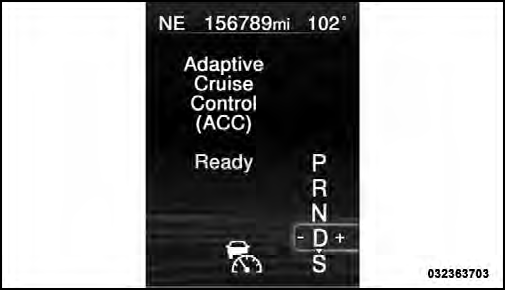
Adaptive Cruise Control (ACC) Ready
To turn the system OFF, push and release the ON/OFF button again. At this time, the system will turn off and the EVIC will display “Adaptive Cruise Control Off.”
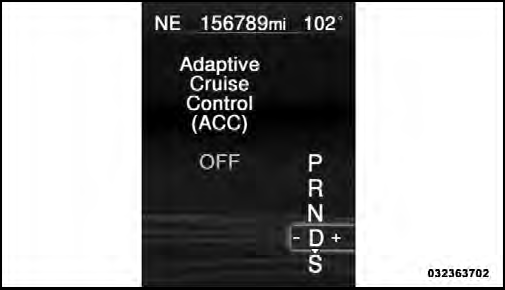
Adaptive Cruise Control (ACC) OFF
WARNING!
Leaving the Adaptive Cruise Control (ACC) system
on when not in use is dangerous. You could accidentally
set the system or cause it to go faster than you
want. You could lose control and have a collision.
Always leave the system off when you are not using
it.
See also:
Gross Axle Weight Rating (GAWR)
The GAWR is the maximum capacity of the front and rear
axles. Distribute the load over the front and rear axles
evenly. Make sure that you do not exceed either front or rear
GAWR. Refer to “Ve ...
Key Ignition Park Interlock
This vehicle is equipped with a Key Ignition Park Interlock
which requires the shift lever to be placed in PARK
before the engine can be turned off. This helps the driver
avoid inadvertently lea ...
Pinch Protect Override
If a known obstruction (ice, debris, etc.) prevents closing
the sunroof, press the switch forward and hold for two
seconds after the reversal occurs. This allows the sunroof
to move toward the c ...