
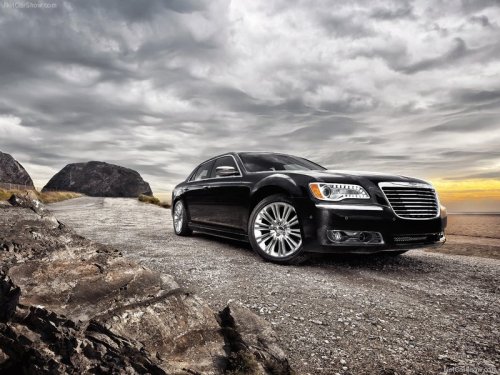
Chrysler 300
Chrysler 300 / Gallery / Chrysler 300
Chrysler 300
See also:
Hard-Keys
Hard-Keys are located below the Uconnect Touch™
system in the center of the instrument panel. In addition,
there is a Scroll/Enter control knob located on the right
side of the Climate Control ...
General Information
This device complies with FCC rules Part 15 and Industry
Canada RSS-210. Operation is subject to the following
two conditions:
1. This device may not cause harmful interference.
2. This device m ...
Supplemental Restraint System (SRS) — Air Bags
This vehicle has Advanced Front Air Bags for both the
driver and front passenger as a supplement to the seat
belt restraint systems. The driver’s Advanced Front Air
Bag is mounted in the cente ...