
Front Map/Reading Lights
The front map/reading lights are mounted in the overhead console.
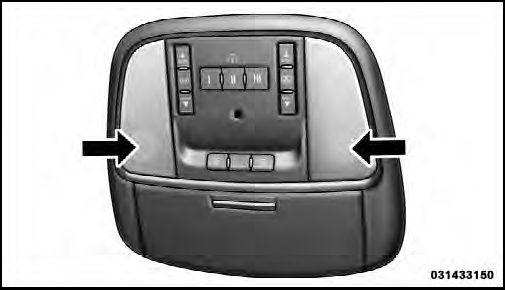
Front Map/Reading Lights
Each light can be turned on by pressing a switch on either side of the console. These buttons are backlit for night time visibility. To turn the lights off, press the switch a second time. The lights will also turn on when the UNLOCK button on the Remote Keyless Entry (RKE) is pressed.
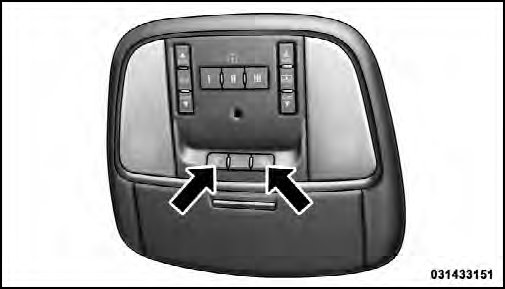
Front Map/Reading Light Switches
See also:
DVD Audio Support
When a DVD-Audio disc is inserted in the VES™ DVD
player, the DVD-Audio title on the disc is played by
default (most DVD-Audio discs also have a Video title,
but the Video title is ignored). A ...
SET/RND Button (Random Play Button)
Press this button while the CD is playing to activate
Random Play. This feature plays the selections on the
compact disc in random order to provide an interesting
change of pace.
Press the righ ...
License Plate Lamp
1. Using a small screwdriver, press inward the locking
tab on the side of the lamp assembly and pull down on
the lamp assembly for removal.
2. Pull bulb from socket, replace, and reinstall the la ...