
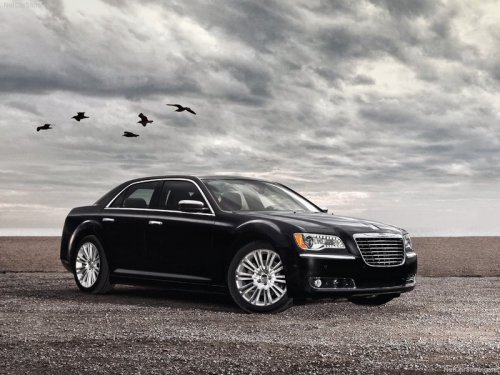
Chrysler 300
Chrysler 300 / Gallery / Chrysler 300
Chrysler 300
See also:
Connecting The iPod Or External USB Device
Use the connection cable to connect an iPod or external
USB device to the vehicle’s USB connector port which is
located in the center of the instrument panel below the
climate controls.
USB ...
Flowing/Rising Water
WARNING!
Do not drive on or across a road or path where water
is flowing and/or rising (as in storm run-off). Flowing
water can wear away the road or path’s surface
and cause your vehicle to ...
Second Row Stow ’n Go
On vehicles equipped with Stow ’n Go seats, the seats
will fold and tumble in one motion.
1. Move the front seat fully forward.
2. Recline the front seatback fully forward.
3. Raise the armrest ...