
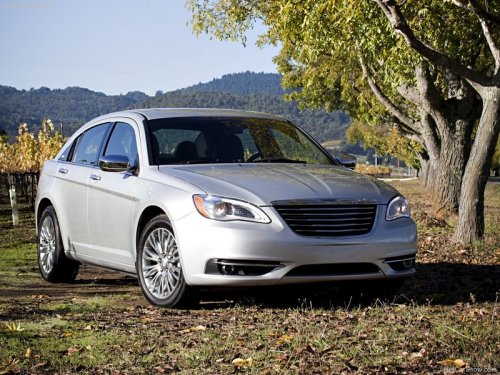
Chrysler 200
Chrysler 200 Sedan / Gallery / Chrysler 200
Chrysler 200
See also:
Interior Care
Use MOPAR Fabric Cleaner or equivalent to clean fabric
upholstery and MOPAR Carpet Cleaner or equivalent
for carpeting.
Interior Trim should be cleaned starting with a damp
cloth, or MOPAR Sati ...
Main Menu
Start a dialogue by pressing the Voice Command
button. You may say “Main Menu” to switch to the main
menu.
In this mode, you can say the following commands:
• “Radio” (to switch to ...
Integrated Power Module
The Integrated Power Module is located in the engine
compartment. This module contains fuses and relays.
Integrated Power Module
CAUTION!
• When installing the integrated power module
cover ...