
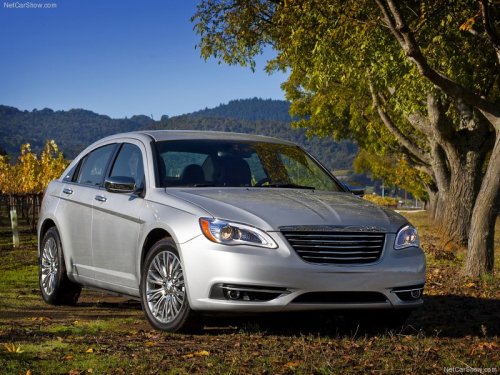
Chrysler 200
Chrysler 200 Sedan / Gallery / Chrysler 200
Chrysler 200
See also:
Place/Retrieve A Call From Hold
During an active call, touch the “Hold” soft-key on the
Phone main screen. ...
To Set A Desired Speed
Turn the Electronic Speed Control ON. When the vehicle
has reached the desired speed, press the SET (-) button
and release. Release the accelerator and the vehicle will
operate at the selected s ...
Call Termination
To end a call in progress, momentarily press the
button. Only the active call(s) will be terminated and if
there is a call on hold, it will become the new active call.
If the active call is ter ...