
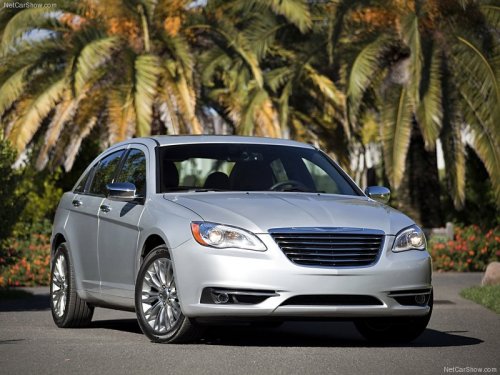
Chrysler 200
Chrysler 200 Sedan / Gallery / Chrysler 200
Chrysler 200
See also:
EJECT Button - Ejecting a CD
Press the EJECT button to eject the CD.
If you have ejected a disc and have not removed it within
10 seconds, it will be reloaded. If the CD is not removed,
the radio will reinsert the CD but w ...
Replacement Parts
Many components in your Flexible Fuel Vehicle (FFV) are
designed to be compatible with ethanol. Always be sure
that your vehicle is serviced with correct ethanol compatible
parts.
CAUTION!
Rep ...
Sliding Side Door
The sliding door may be opened from the inside or the
outside. Pull outward on the exterior handle to open the
sliding door. The sliding door inside handle functions by
rocking forward and back. ...