
Third Row Swivel Screen (If Equipped)
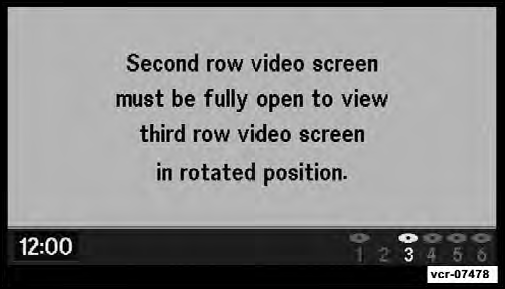
• The third row screen or Screen 2 has the ability to lower and swivel to face forward.
• While the swivel screen is facing forward, the second row screen or Screen 1 must be fully open in order for the swivel screen (Screen 2) to work.
See also:
Toggling Between Calls
If two calls are in progress (one active and one on hold),
touch the “Swap” soft-key on the Phone main screen.
Only one call can be placed on hold at a time.
You can also press the button to ...
Electronic Vehicle Information Center (EVIC) Displays
When the appropriate conditions exist, the EVIC displays the following
messages:
• Turn Signal On (with a continuous warning chime after one mile traveled)
• Left Front Turn Signal Lamp Out ...
Snow Tires
Some areas of the country require the use of snow tires
during the winter. All season tires can be identified by the
M+S designation on the tire sidewall.
If you need snow tires, select tires equ ...