
Instrument Cluster — Base
Chrysler Town & Country / Chrysler Town & Country Owners Manual / Understanding Your Instrument Panel / Instrument Cluster — Base
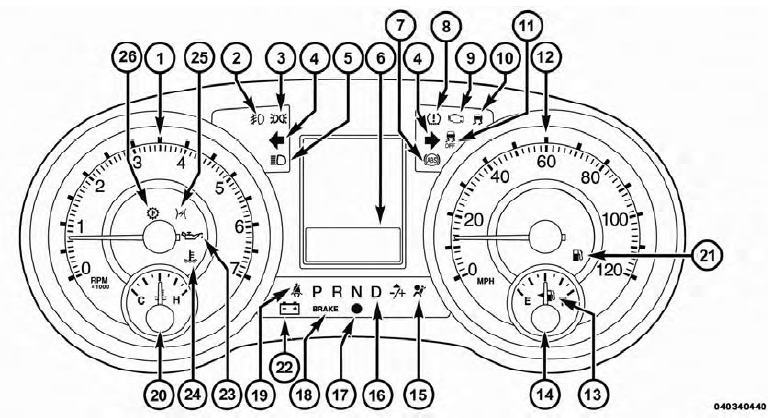
Instrument Cluster — Base
See also:
Power Inverter — If Equipped
A110 Volt, 150Watt inverter outlet (if equipped) converts
DC current to AC current, and is located on the left rear
trim panel immediately behind the second row left
passenger seat.
Power Inv ...
Vehicles Equipped With Wheel Covers
1. Mount the road tire on the axle.
2. To ease the installation process for steel wheels with
wheel covers, install two lug nuts on the mounting studs
which are on each side of the valve stem. In ...
Front Fog Lamp
NOTE:
Access to the lamps through the lower fascia
cutout is limited.We recommend you access the lamps by
turning the steering wheel to allow access and remove
the inner fender shield.
1. Rota ...